@kingcarebot टेलीग्राम Bot

The King Care Bot — Telegram Bot {{ $bot->code }}
खोलने के लिए स्कैन करें
The King Care Bot — Telegram Bot {{ $bot->code }}
बॉट पता: @kingcarebot
श्रेणियाँ: SMM , बिल्डर्स , AI सहायक और चैटबॉट , CRM , विश्लेषण , समुदाय प्रबंधन
Bot . से विवरण

Build intelligent customer support bots with AI Assistant and our visual scenario engine. https://kingcare.app
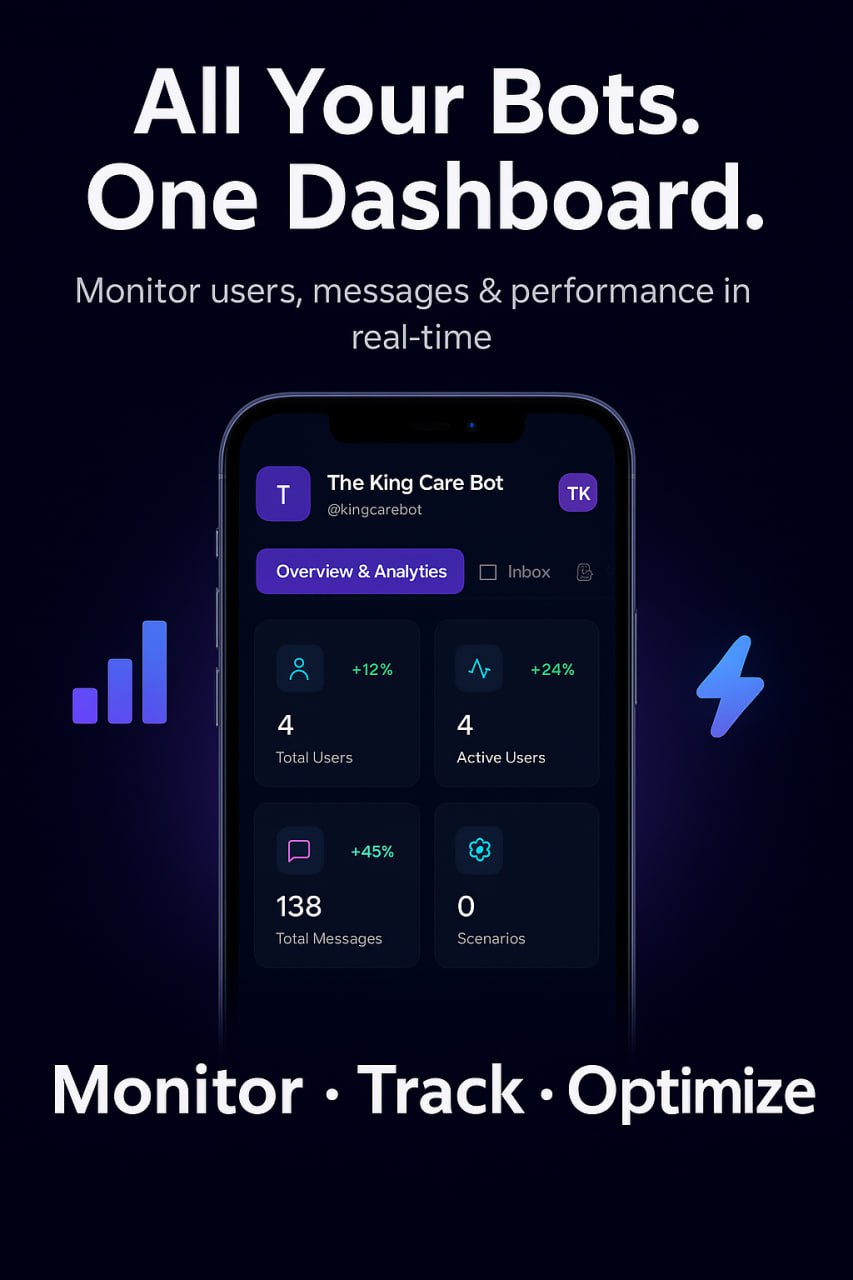
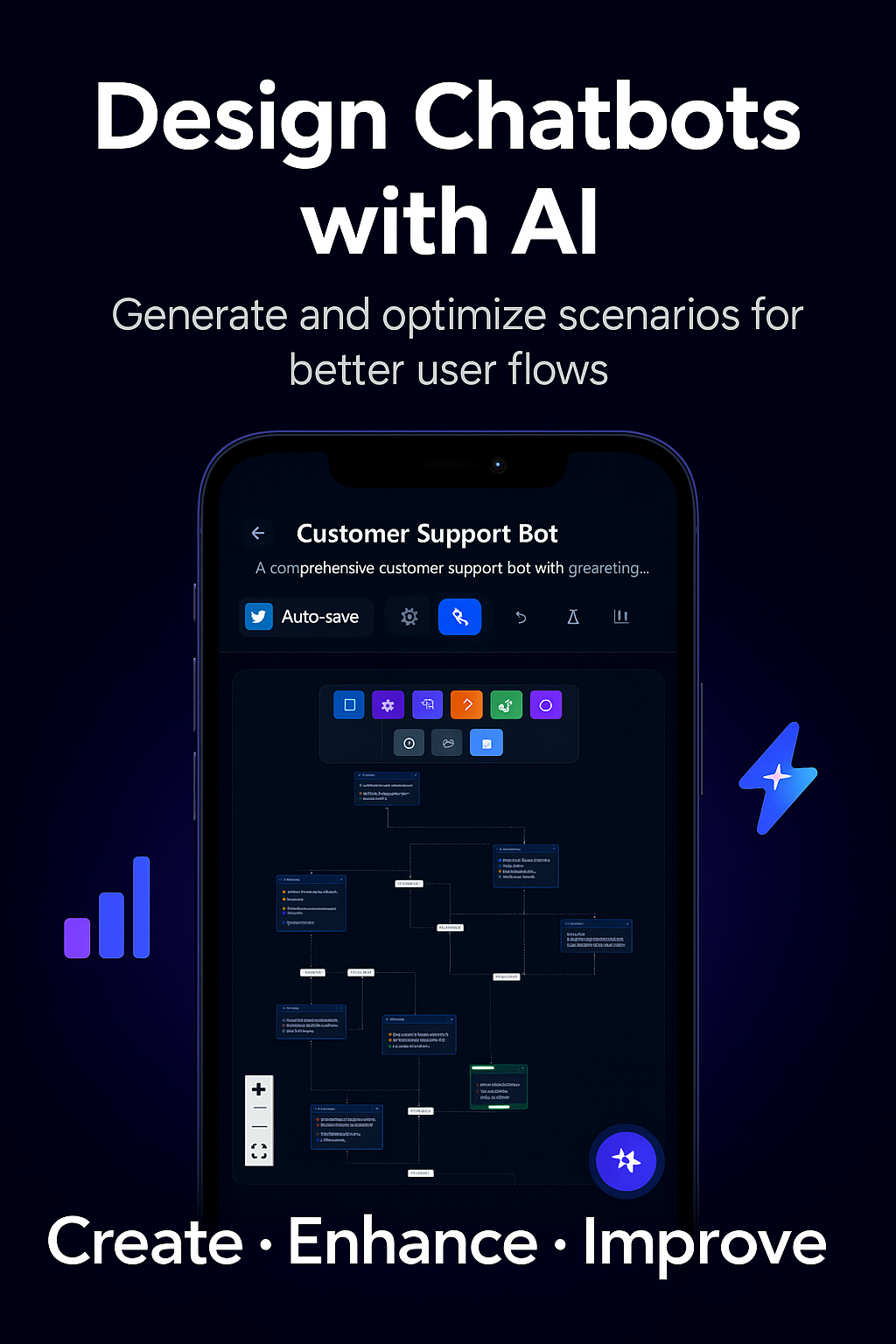
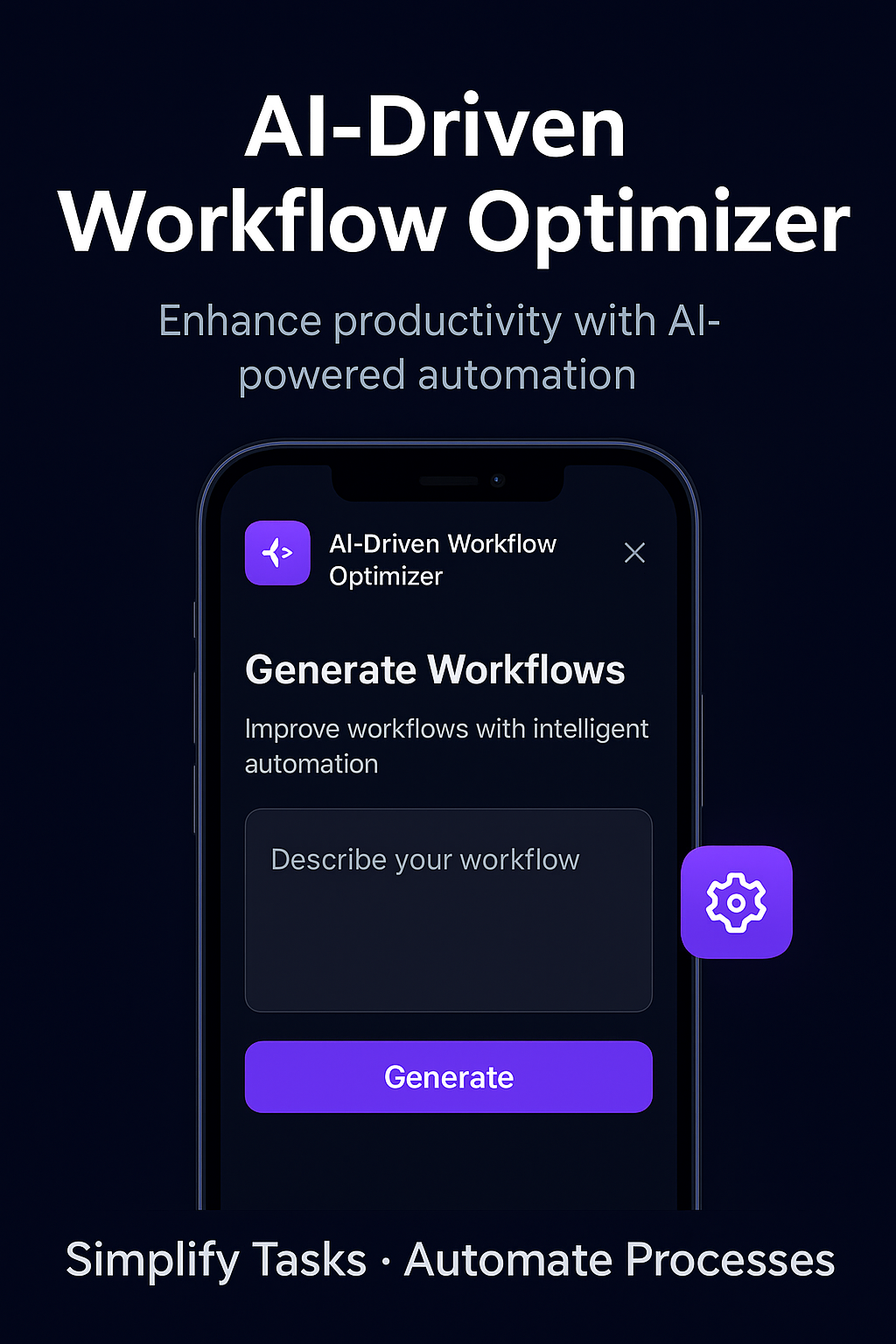
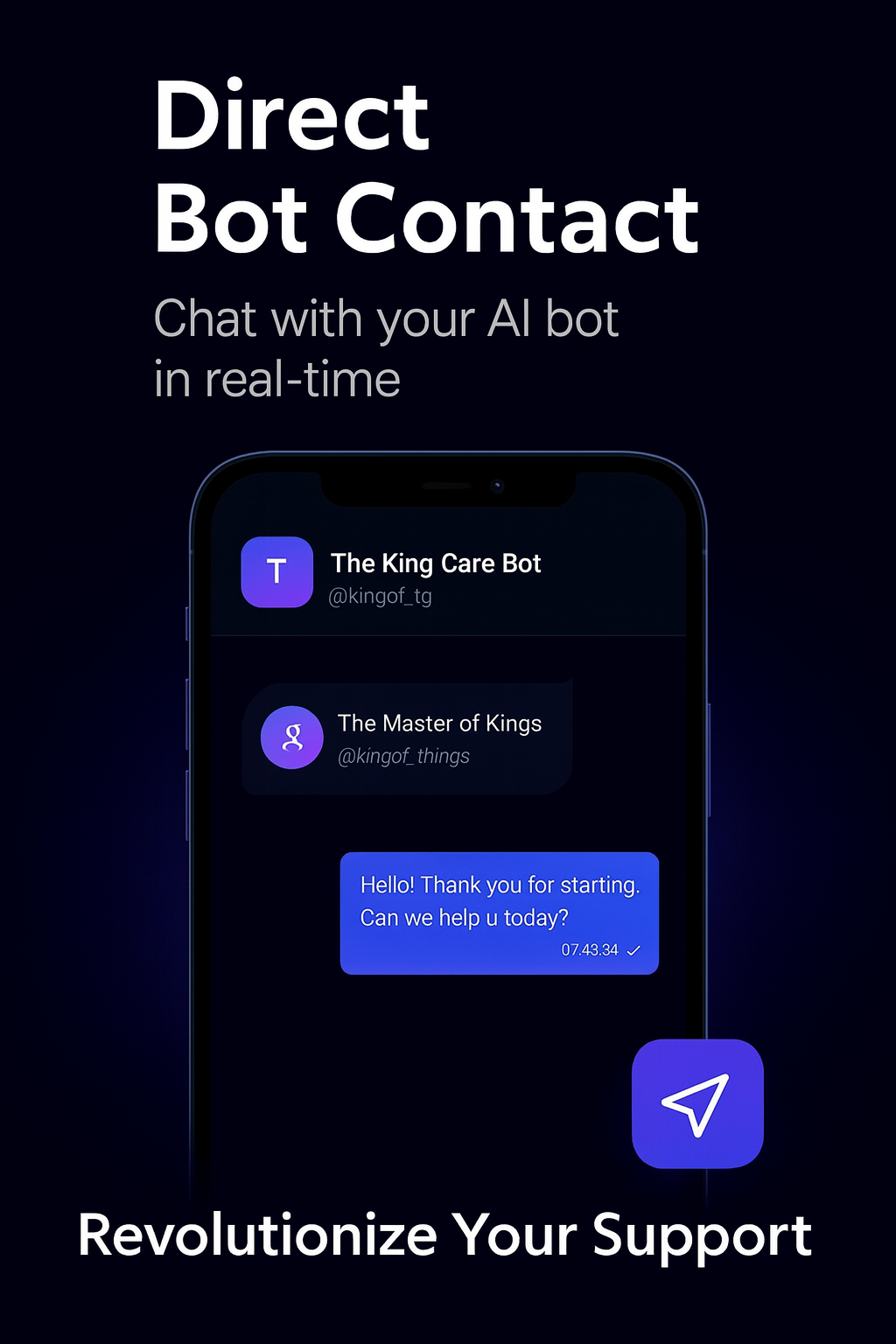
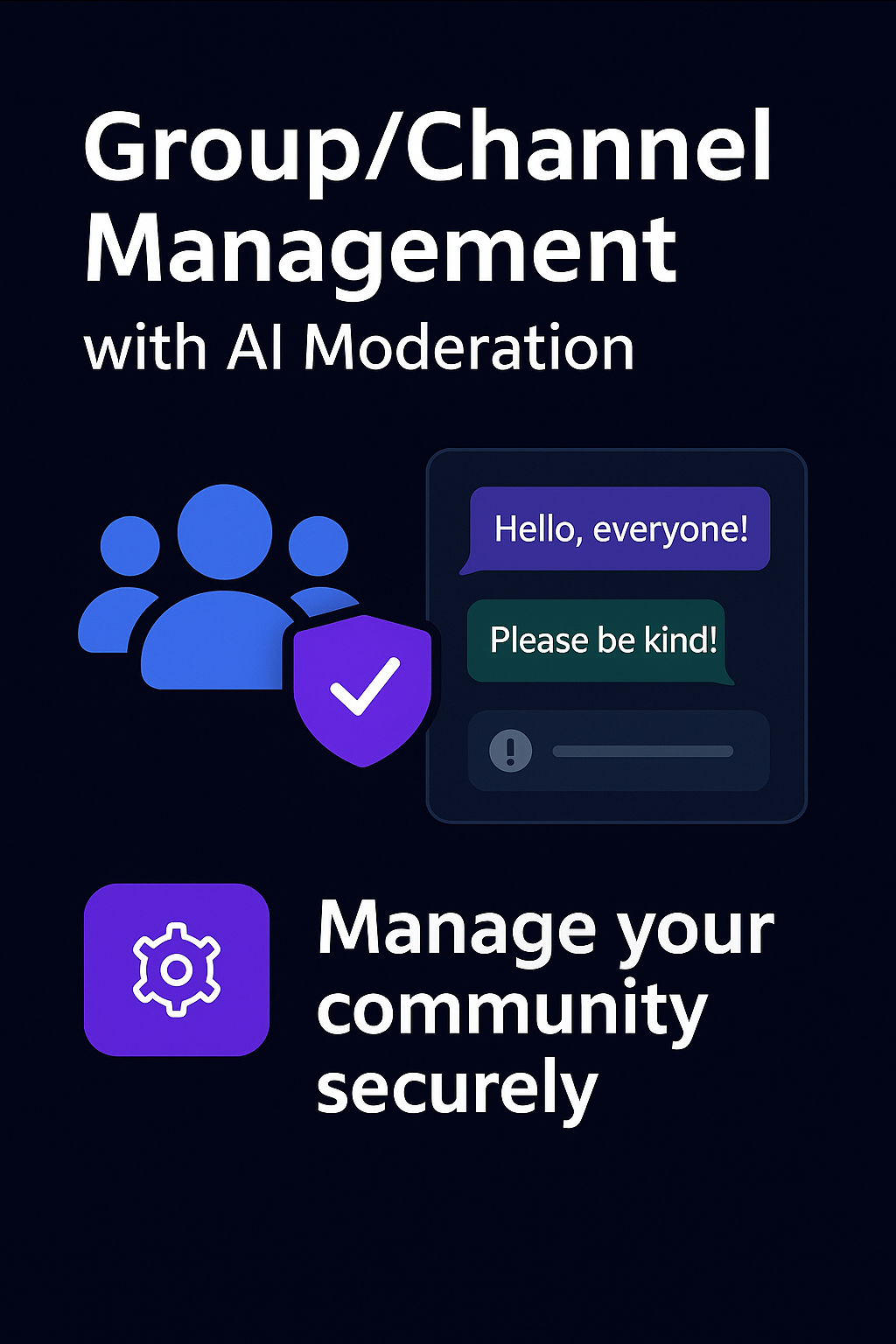
✨ KEY FEATURES: 🤖 AI Scenario Generator • Generate complete bot flows from plain text descriptions • Industry-specific templates (E-commerce, Healthcare, Education) • Bot type selection (Support, Sales, Booking, General) • 15-30 second generation time 🧠 AI Scenario Enhancer • Priority-ranked improvement suggestions (Critical/High/Medium/Low) • Flow optimization for conversion, engagement, or speed • Custom step generation with natural language prompts • One-click apply AI recommendations 🎨 Visual Flow Editor • Drag-and-drop node-based builder (like Figma for bots) • Real-time validation with auto-fix suggestions • Conditional logic and branching • JSON import/export 💬 Real-Time Chat Dashboard • Live messaging & chat with bot contact. • Instant notifications • Message history and search • File attachment support 👥 Team Collaboration • Role-based permissions (Owner, Admin, Editor, Support, Viewer) • Team activity logs and audit trails • Invite system with email notifications • Bot-level access control 📊 Analytics & Insights • User engagement metrics • Conversion tracking • Funnel analysis • Retention reports 🌐 Multi-Language Support • Native support for English, Vietnamese, Chinese, Russian • Language-aware routing • User preference memory 🚀 Advanced Features • Group/Channel management • Broadcast messaging • Webhooks and REST API • Custom variable system

साझा करें:
बॉट में संक्रमण: ( 52 )

Ratings & Reviews

3.67

3 reviews

Reviews can be left only by registered users. All reviews are moderated by admins.

5 stars

1

4 stars

1

3 stars

0

2 stars

1

1 stars

0


The King Care Bot — Screenshot 1 The King Care Bot — Screenshot 2 The King Care Bot — Screenshot 3 The King Care Bot — Screenshot 4 The King Care Bot — Screenshot 5

कैसे शुरू करें

1

टेलीग्राम में बॉट खोलें

टेलीग्राम ऐप में इस बॉट को खोलने के लिए ऊपर "बॉट खोलें" बटन पर क्लिक करें
2

बातचीत शुरू करें

इंटरैक्ट करना शुरू करने के लिए /start कमांड दबाएं या स्टार्ट बटन टैप करें
3

फीचर्स एक्सप्लोर करें

सभी उपलब्ध कमांड खोजने के लिए मेनू बटन का उपयोग करें या /help टाइप करें

अक्सर पूछे जाने वाले प्रश्न

Telegram बॉट्स के बारे में सामान्य प्रश्न

Telegram बॉट एक स्वचालित प्रोग्राम है जो Telegram मैसेंजर में विभिन्न कार्य करता है। बॉट संदेश भेज सकते हैं, सवालों के जवाब दे सकते हैं, कमांड प्रोसेस कर सकते हैं, वर्कफ़्लो स्वचालित कर सकते हैं और मौसम, अनुवाद या कार्य प्रबंधन जैसी सेवाएं प्रदान कर सकते हैं।
इस पेज पर "बॉट खोलें" बटन पर क्लिक करें, फिर बॉट के साथ चैट में /start कमांड भेजें। बॉट के निर्देशों का पालन करें या मेनू बटन में उपलब्ध कमांड का उपयोग करें। अधिकांश बॉट /help कमांड का समर्थन करते हैं।
अधिकांश Telegram बॉट्स सुरक्षित हैं। हालांकि, यदि आप डेवलपर पर भरोसा नहीं करते तो संवेदनशील व्यक्तिगत जानकारी, पासवर्ड या भुगतान विवरण साझा करने से बचें। उपयोग से पहले रेटिंग, समीक्षाएं और उपयोगकर्ताओं की संख्या जांचें।
अधिकांश Telegram बॉट्स पूरी तरह मुफ्त हैं। कुछ बॉट सदस्यता या एकमुश्त भुगतान के माध्यम से प्रीमियम सुविधाएं प्रदान करते हैं, लेकिन बुनियादी कार्यक्षमता आमतौर पर मुफ्त होती है। मूल्य जानकारी के लिए बॉट का विवरण देखें।
बॉट इंटरैक्टिव प्रोग्राम हैं जो कमांड पर प्रतिक्रिया करते हैं और कार्यों को स्वचालित करते हैं। चैनल ब्रॉडकास्ट प्लेटफॉर्म हैं जहां एडमिन सामग्री प्रकाशित करते हैं। बॉट्स के साथ आप दो-तरफा संवाद करते हैं, जबकि चैनल एक-तरफा संचार प्रदान करते हैं।
बॉट कमांड फॉरवर्ड स्लैश (/) से शुरू होते हैं जैसे /start, /help या /settings। कमांड टाइप करें और बॉट को भेजें। कई बॉट्स में उपलब्ध कमांड दिखाने वाला मेनू बटन भी होता है। कुछ उन्नत बॉट्स प्राकृतिक भाषा भी समझते हैं।